
How the Ouachita Parish Court Calendar Works
No single Ouachita calendar lists every case. The Fourth Judicial District Court spreads its date information across four places. You can check the setting or event in Clerk Connect. Read the dated weekly Civil Docket PDFs. Browse the 4JDC schedule pages covering judges, criminal work, and specialty dockets. Or simply ask the clerk, hearing officer, or city court directly. Which route fits depends on the court and the type of setting.
The weekly Civil Docket groups matters by parish and week. Each setting line gives a quick snapshot of the planned event. Clerk Connect works at the case level but requires an account. The schedule pages sort work by category and year. Remember that a case can move after any posting. So the responsible court or clerk still has the final say on a court date.
Ouachita Court Schedule Links
Categories that fall outside the weekly civil list live on the Fourth Judicial District Court schedules page. There you will find the Judges Monthly Schedule and Court Schedule. Felony Arraignment, Criminal Duty Schedule Ouachita, and Morehouse schedules are there too. So are the Hearing Officer Schedule, Juvenile, Drug Court, and Ouachita and Morehouse Non-Support Rehearings. Pick your parish and year with care, because this district serves two parishes.
A schedule page is not a case-number search form. Its job is to point you toward the docket that governs a setting. From there, compare the event with the case register. Or confirm it with the responsible office. The official 4JDC schedules index lays out every category used for court-date discovery.
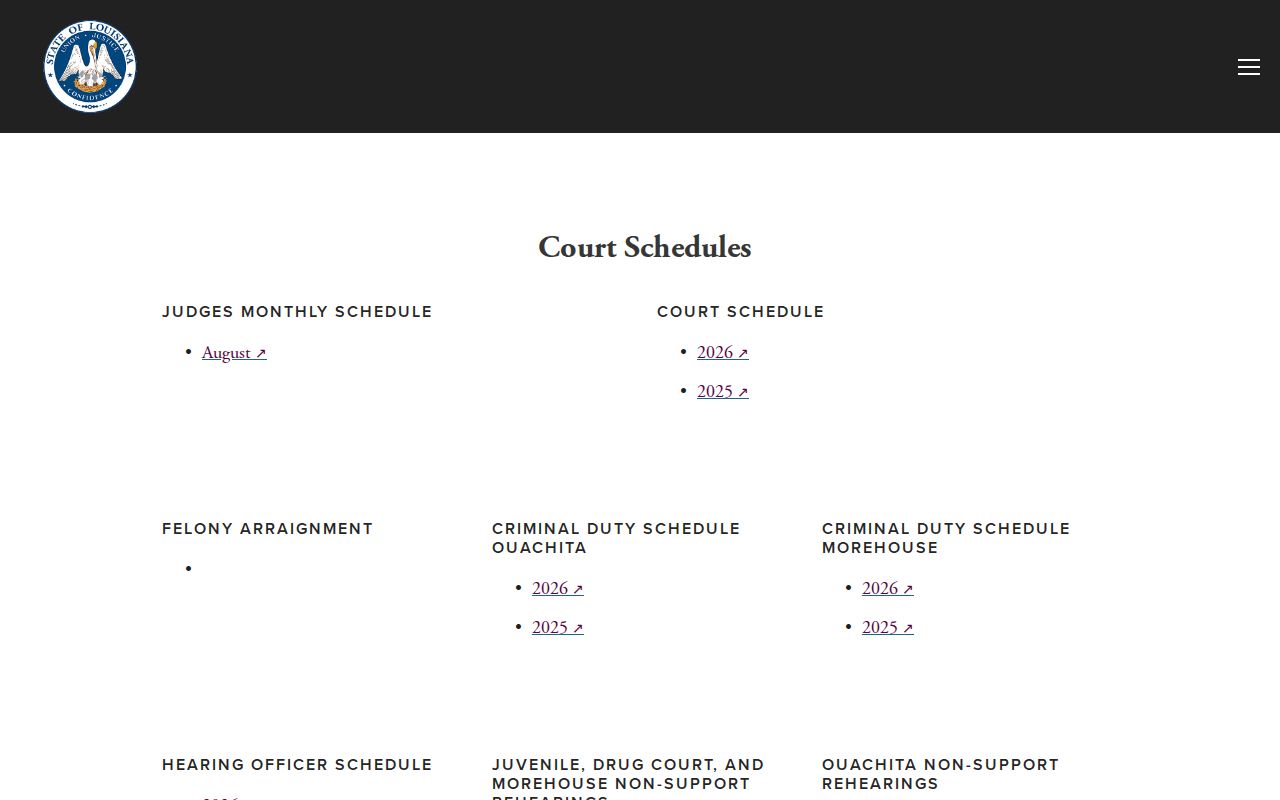
Checking the category list first keeps you from treating the civil weekly docket as the only calendar. Criminal, juvenile, hearing-officer, drug-court, and non-support settings each run on their own schedules.
Ouachita Parish Court Date Lookups
For a Fourth Judicial District Court case, start with the case-register setting in Clerk Connect. That path requires account access. The 4JDC Civil Docket page posts dated weekly PDFs for both Ouachita and Morehouse. The schedules page adds felony arraignment, criminal duty, hearing-officer, juvenile, drug-court, and non-support categories. These online channels spot the event. They cannot replace confirmation.
Phone lines matter just as much. Call the Ouachita clerk at (318) 327-1444 with district-court record questions. Or call court administration at (318) 361-2250 for scheduling help. A represented party can also ask counsel about the latest setting. The clerk counter, judge's office, or hearing-officer office can confirm a location. They can also confirm a later change to any proceeding they control. Monroe and West Monroe city-court dates run through separate channels.
- Identify the issuing court, then keep the case number, division, and approximate event date together.
- Use Clerk Connect for a Fourth Judicial District Court case-register event when account access is available.
- Open the dated Ouachita PDF or the schedule category that matches the civil, criminal, family, juvenile, drug-court, or non-support setting.
- Read the date, time, division, courtroom or suite, and setting label as one record.
- Confirm the current date with the responsible court office, clerk, hearing officer, city court, or counsel before acting on it.
Ouachita Court Calendar Fields
A Fourth Judicial District Court calendar entry packs in several identifiers at once. Expect the court, parish or building, week and exact date, day and time, case number, case style, setting or matter type, judge or division, courtroom or suite, and sometimes a remote or specialty location. A VIA ZOOM marker, a Green Oaks reference, Sullivan Suite 203, or a hearing-officer note tells you where and how the event will happen. None of it tells you the outcome.
Labels like divorce, motion, MSJ-style shorthand, bench, custody Article 3945, protective-order court, hearing-officer conference, non-support, adult drug or DWI, and arraignment describe the type of event only. The case register, a filed order, or a judgment holds the later procedural result.
The weekly calendar is not a full case register. It skips filing dates, service status, financial entries, judgment balances, appeal links, attached documents, and redaction status. No free per-entry document image is linked from the calendar. Use the setting line to locate the matter. Then ask the clerk or use the gated inquiry service for the case-level details it leaves out.
Court Settings: What Each Field Means
Treat an Ouachita setting as a scheduling record, nothing more. The date and time tell you when the matter is listed. Case number and caption tie the event to the case file. The judge or division plus the courtroom, suite, or remote marker shows where it happens. A setting label names the type of event. But it never reveals whether the matter ended in a plea, dismissal, judgment, or some other result.
| Date and week | The specific scheduled date within the posted calendar period. |
|---|---|
| Time | The listed time for the calendar event, which should be confirmed if the setting has changed. |
| Case and caption | The identifiers used to match the line to the correct court file. |
| Division and location | The judge or section plus a courtroom, suite, Green Oaks, or a VIA ZOOM marker where applicable. |
| Setting type | The planned matter, such as motion, bench, arraignment, HOC, custody, protective-order, or specialty calendar entry. |
A Zoom notation is just a location detail. It is not a result. In the same way, a motion or trial entry does not mean the court has ruled or the trial has finished.
Ouachita Court Docket Week Links
The 4JDC's public Civil Docket page is built around dated weekly PDF links. These are split between Ouachita and Morehouse. It carries current weekly links, though older weeks may not stay posted. The dated document works well for finding a court, judge, courtroom, and setting. It offers no case-number, name, or date-picker search, and no case-level pagination or export. The official weekly Civil Docket page is the source for those parish-and-week links.
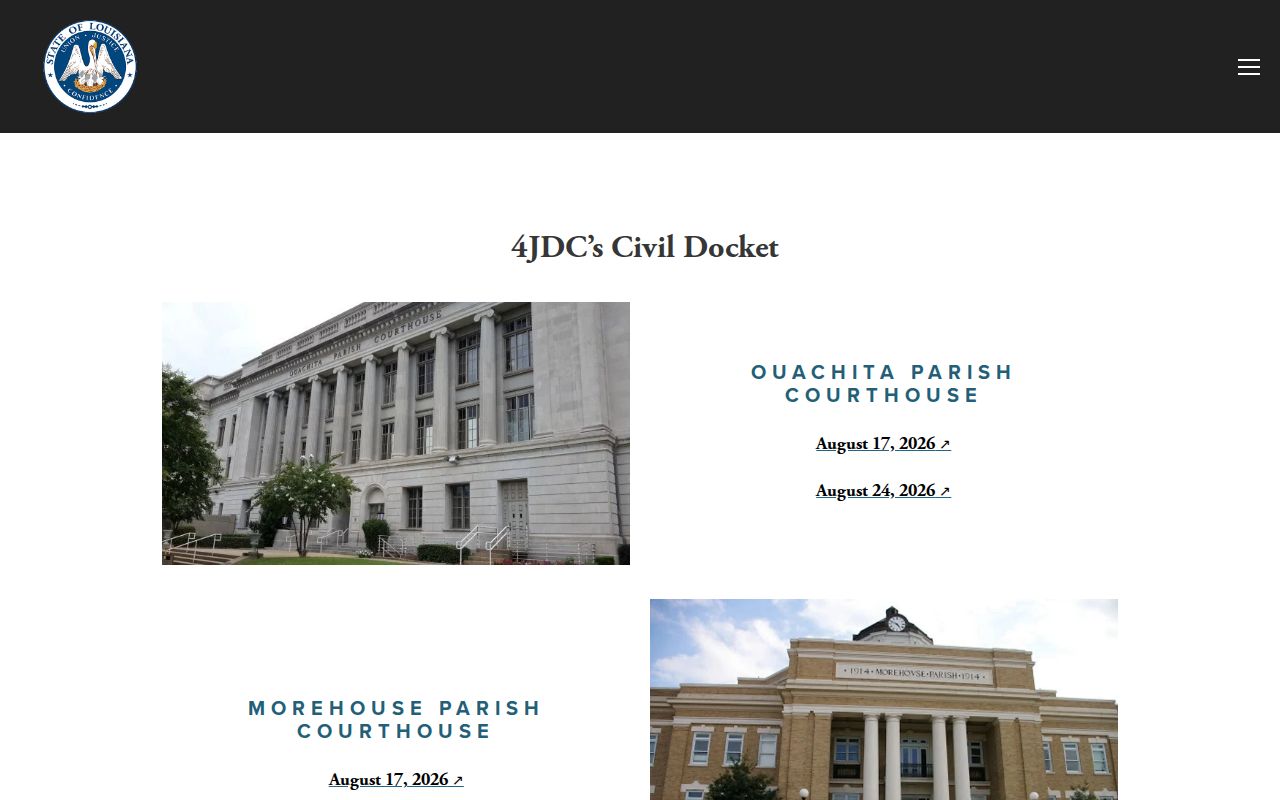
Once a case turns up on a weekly docket list, the deeper details live elsewhere. Reach for the Ouachita Parish clerk or the case-register channel to pull documents, disposition history, or word of a later reset.
When a Court Date Moves
Court dates move. A reset or continuance simply shifts a hearing to a new day. That means any weekly Ouachita Parish court docket PDF can be overtaken by a later setting, a signed order, or a fresh case-register entry. An older list you saved is not proof the hearing still stands as written. Only the court or clerk handling the matter can confirm the current date. Call court administration, the clerk, the judge's office, or the hearing officer who controls the event. City cases go through the city court's own contact route. A civil schedule, a criminal duty list, and a specialty calendar are all public aids. But none of them replaces a direct confirmation of a moved setting. For a Fourth Judicial District Court date, the split is practical. The calendar shows when a matter was listed; the register tracks case events over time. A signed order or later register entry may control even while an older PDF still sits online. When you call, keep the case number, division, and prior date in hand. That way the right office can match your setting and not a similarly named matter.
Ouachita Court Date Pink Slips
Family and hearing-officer scheduling in Ouachita Parish runs on a local pink-slip process. The form wants a realistic estimate of hearing time. It also wants two dates within the next 90 days that work for both sides, videoconference capability and service, custody status, any prior date, special circumstances, and related-matter details. Filing it does not set the hearing itself. The responsible office still has to issue or confirm the actual court date. One step comes first: contact opposing counsel or the other party at least three business days, or 72 hours, before sending the form. Then list mutually agreeable dates or explain why none exist. The 4JDC hearing-officer page names the family-law setting channel and its forms.
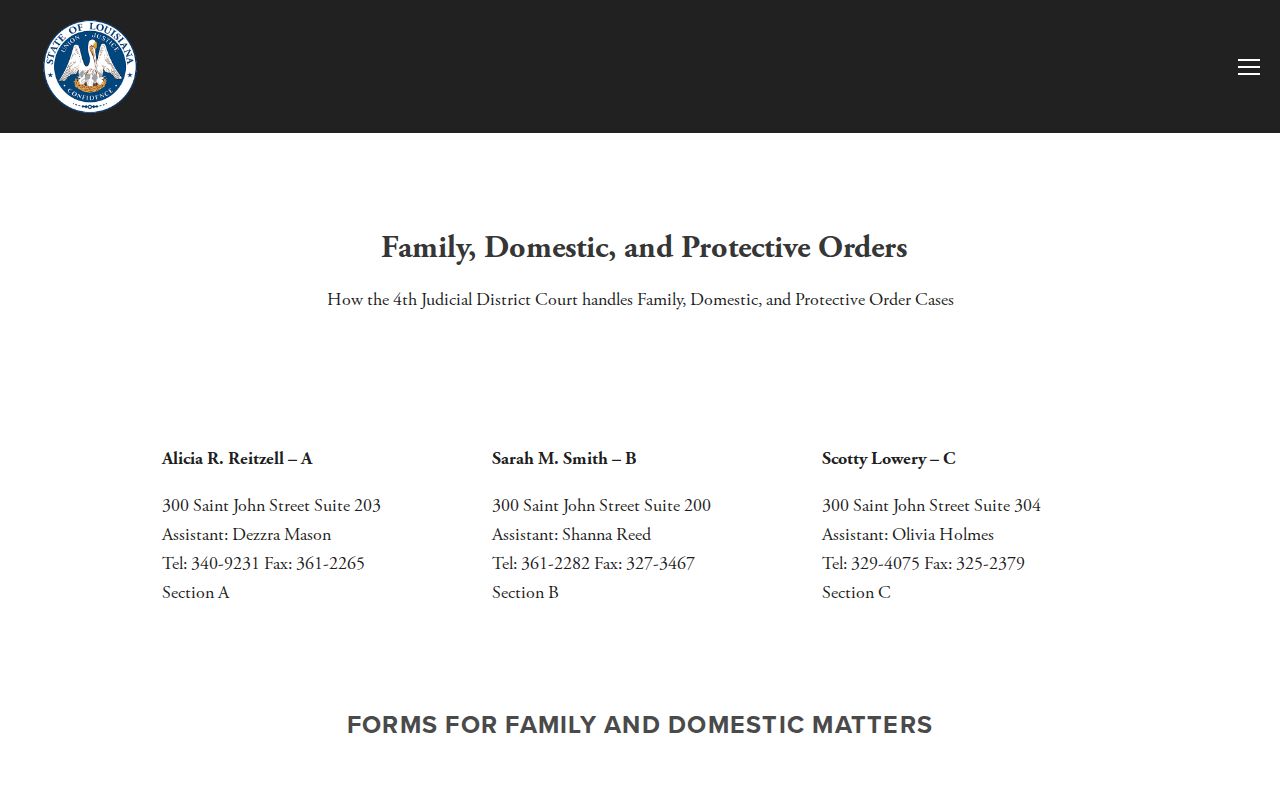
Labels like HOC, custody, protective-order, and hearing-officer calendars deserve the same caution as any other setting. Confirm the date, time, and suite or remote location with the Ouachita Parish office handling the matter.
Missed Settings and What Comes Next
Missed a setting? Act fast. Name the court and the case. Then call the responsible clerk or court office and ask what the record shows now and what comes next. The fallout from a missed setting differs across civil, criminal, family, juvenile, and city-court proceedings. A docket calendar alone cannot tell you the result. And no one should assume a new date exists without confirmation from the court.
Missed a Setting? West Monroe's official court information warns that a missed date can result in a warrant.
For any Ouachita setting, contact the court that controls the case or the clerk immediately and confirm whether a new date, order, or other action appears in the case record.
When represented, notify counsel promptly. Court-specific advice about an actual missed setting should come from a licensed attorney or the responsible court office.
Ouachita Court Date City Confirmation
Monroe and West Monroe confirm city dates through separate channels. Monroe handles most traffic fines at court during posted weekday hours with a signed ticket or waiver. Its city prosecutor's court-date line is (318) 329-2618. Monroe City Court posts no public case-search form. So the court and prosecutor contacts are the practical route for a city setting there. West Monroe wants payment before the date, paid to city court. It also warns that people who miss dates can face warrants. For a new date and related fees, callers go to the city attorney at (318) 396-2791. Its civil clerk and its misdemeanor or traffic clerk are separate offices. The city publishes no citation or case search. None of these confirmation methods reaches a Fourth Judicial District Court setting.